Terax: A lightweight AI-native terminal built on Tauri
Introduction
Terax is an open-source, cross-platform AI-native terminal: a single desktop app that combines multi-tab terminals, a built-in editor, a file explorer, optional live web preview for local dev servers, and an AI side panel for agent-style workflows. The project ships binaries for macOS (Apple Silicon and Intel), Linux (AppImage, .deb, .rpm), and Windows, and publishes sources under the Apache-2.0 license on GitHub (crynta/terax-ai).
If you have been reading about minimal terminal harnesses such as Pi, Terax is almost the opposite framing: a GUI-first environment (Rust + Tauri 2 + React 19) meant to live in one window rather than extending your existing terminal emulator. This post summarizes what the project documents today—mostly from its README and marketing site—and where that design is likely to help or constrain you.
The site advertises a small footprint (under ~10 MB on disk), a fast cold start (~300 ms), and no account or telemetry; releases are versioned on GitHub with published checksums (for example v0.6.0 as of early May 2026 on terax.app and the releases page). Treat performance numbers as vendor-reported, not independent benchmarks.
For a visual walkthrough of the product, see the project’s linked video: YouTube — Terax overview.
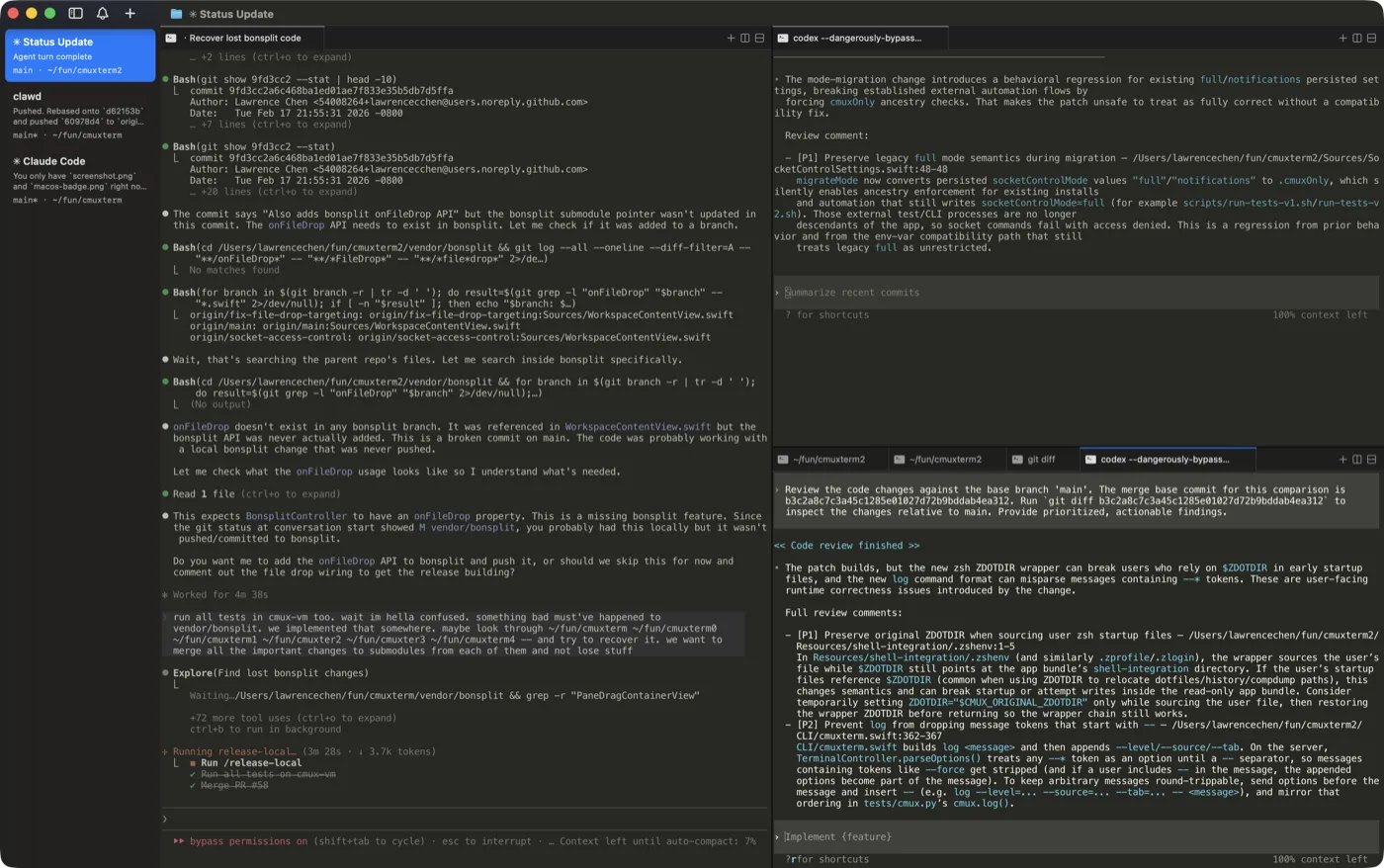
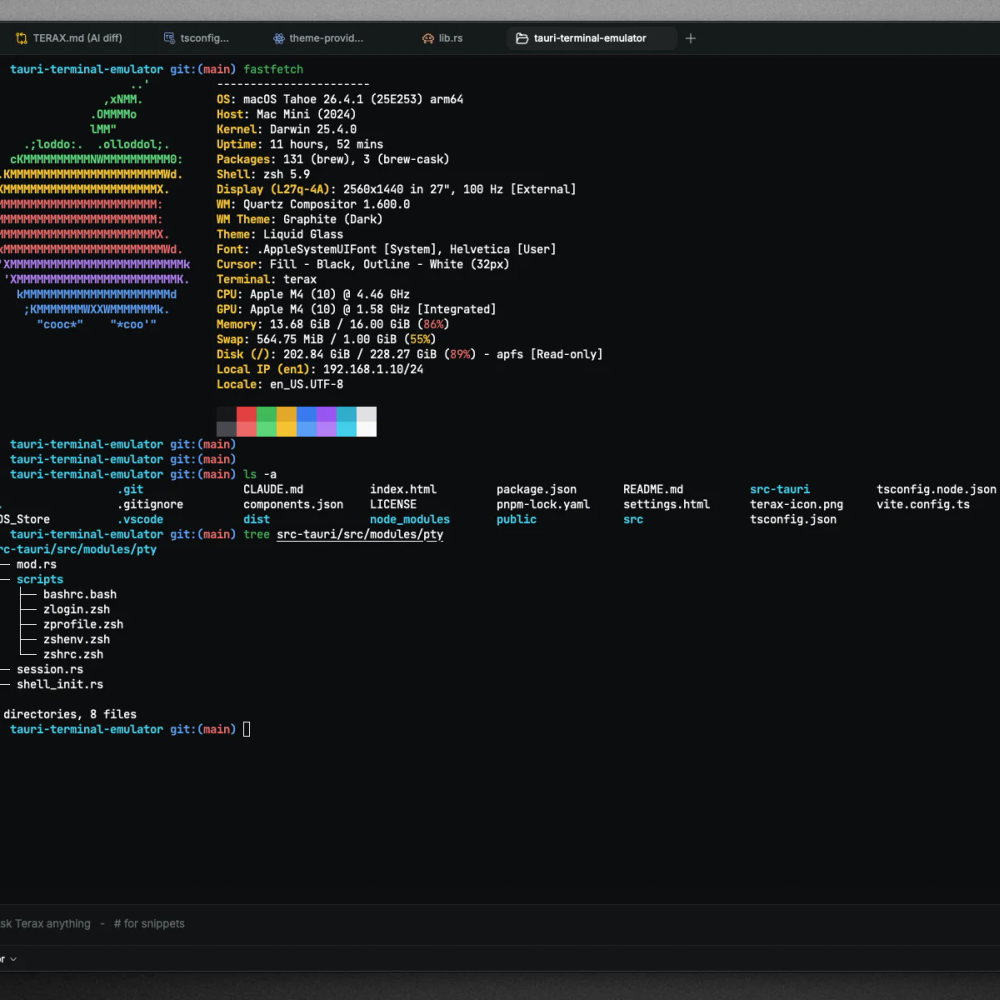
The hero image for this post is the terminal screenshot from the upstream docs/ folder (terminal.png), used here as project documentation under Apache-2.0.
Terminal and shell integration
The terminal layer uses xterm.js with a WebGL renderer, multiple tabs, and background streaming. The backend is a native PTY via the Rust portable-pty crate (maintained in the wezterm tree), with documented shell support including zsh, bash, and PowerShell (pwsh / Windows shells). Shell integration (current working directory reporting and prompt markers) is implemented through injected init scripts. The README also calls out inline search, link detection, and true-color output—capabilities you would expect from a modern terminal UI.
On Windows, the README notes an unsigned-build SmartScreen prompt on first launch and recommends More info → Run anyway until code signing is in place. Default shell detection order is documented as pwsh.exe → powershell.exe → cmd.exe.
Editor, explorer, and web preview
Terax embeds CodeMirror 6 with language modes for TypeScript/JavaScript, Rust, Python, HTML/CSS, JSON, and Markdown, plus Vim mode and several bundled themes (Tokyo Night, Nord, GitHub, and others per the README). Inline AI autocomplete and AI edit diffs are first-class features—agent-proposed edits are intended to surface as reviewable diffs before they hit disk.
The file explorer advertises Catppuccin-style icons (via a Material Icon Theme resolver), fuzzy search, keyboard navigation, inline rename, and context actions.
Web preview tries to auto-detect common local dev servers (the site mentions stacks such as Vite, Next.js, and Astro) and open them in a tab beside the editor so you can iterate without switching apps.
AI: BYOK, local models, and project memory
Terax uses a bring-your-own-key model: providers listed in the README include OpenAI, Anthropic, Google, Groq, xAI, Cerebras, and OpenAI-compatible endpoints. For offline / local inference, the documented path is LM Studio (point Terax at the local endpoint in settings). There is voice input support as well.
Configuration workflow (from the README):
- Open Settings → AI.
- Choose a provider and API key, or an LM Studio URL for local models.
- Keys are stored in the OS keychain via
keyring, not in plain files orlocalStorage.
Project-level behavior can be guided by a TERAX.md file in the repository (memory and configuration versioned with the project). The AI features also include snippets and skills, multi-agent and sub-agent flows, tasks and plans, and tools for search and file read/write with an approval flow—again, as described upstream rather than re-derived here.
Build stack and contributing
From the README, the stack is Tauri 2, Rust, React 19, TypeScript, xterm.js, CodeMirror 6, Vercel AI SDK v6, Tailwind v4, shadcn/ui, and Zustand. Local development expects Node 20+, pnpm, and Rust stable; typical commands are pnpm install, pnpm tauri dev, and pnpm tauri build, with pnpm exec tsc --noEmit and cargo clippy in src-tauri as sanity checks.
When Terax is a good fit
Terax is aimed at developers who want one lightweight desktop shell that already wires together terminal, editor, preview, and AI without assembling VS Code extensions, terminal multiplexers, and separate agent UIs. The trade-off is ecosystem lock-in to Terax’s UI and feature set (and whatever providers or local stacks you connect), compared with a composable CLI harness or a full IDE.
If you need enterprise policy, deep debugger integration, or a plugin marketplace the size of VS Code’s, Terax will not pretend to replace that entire surface area—it optimizes for speed, bundle size, and an integrated agent loop with visible diffs and keychain-stored secrets.
Conclusion
Terax is a Tauri-based, open-source AI terminal that combines a WebGL-backed xterm.js front end, a CodeMirror editor with Vim keybindings, file tooling, optional web preview, and BYOK or LM Studio-backed agents with project TERAX.md configuration. Claims around footprint, startup time, and privacy (no telemetry, keychain storage) come from terax.app and the GitHub README; for install artifacts and checksums, use the releases page. If you prefer staying in a traditional terminal and scripting your agent stack yourself, compare with our earlier look at Pi.