VMs, Linux boxes, and OCI for an AI coding devbox
Introduction
An AI coding devbox is not just “a folder with dependencies.” Once a model can run shell commands, edit files, and hit the network, the environment becomes part of your security and reliability story: what can escape, what you can throw away, and whether a teammate—or a CI job—gets the same toolchain tomorrow as you do today.
This post stays at the workspace layer: how Open Container Initiative (OCI) artifacts line up with Lima (Linux VMs on the desktop), LXC (Linux system containers on a host kernel), and Firecracker (KVM microVMs for strong isolation), and what you run where when building a devbox around agents.
Start with a portable definition of “this project”
Most modern devbox flows assume an immutable-ish root filesystem plus a small amount of mutable state (checkouts, build caches). The OCI organization’s specs—especially image-spec and runtime-spec, with runc as the reference runtime—are the reason “build a container image, run it anywhere” is a portable contract rather than a vendor lock-in.
For AI-assisted work, that pays off in three places:
- Agents and editors increasingly speak “image + mount + command” whether or not you call it Dev Containers.
- Reviews get easier when
apt installand language versions live in layer history instead of lost shell history. - Rollback is “return to digest
sha256:…” instead of guessing what changed on the host.
OCI does not decide kernel boundaries for you; it standardizes how a userspace bundle is built and started. The next sections pick where that bundle runs.
Desktop pattern: a Linux VM as the devbox (Lima)
On macOS—and in other setups where you want a real Linux kernel and familiar container tooling—Lima is the straightforward local option. It runs a Linux VM with file sharing and port forwarding so you can edit on the host and execute in the guest (project README, documentation). Templates cover containerd/nerdctl, Docker, Kubernetes, and more, which matches how many teams already define “the project” as Dockerfiles and compose files.
AI coding angle: point the agent’s terminal and container CLI at the Lima-backed Linux environment so installs and daemon sockets stay inside the guest. You accept VM RAM, disk, and boot cost in exchange for kernel separation from macOS and fewer “works on my laptop kernel” surprises.
Illustrative flow after installation (exact names depend on your template):
Copylimactl start
lima uname -a
Linux host pattern: system containers without nested VMs (LXC)
When the machine is already Linux and you want something closer to a lightweight machine than a single-process OCI container—but you do not need a different kernel—LXC targets system containers: init-style workloads sharing the host kernel, with isolation from namespaces, cgroups, and the tuning described in the project’s docs (README, security overview).
AI coding angle: LXC is a good fit for “one devbox per project on a shared workstation or small server” when nested KVM is awkward or unnecessary. Higher-level managers such as Incus (called out in the LXC README) add fleet ergonomics if you outgrow hand-tuned lxc.* keys.
You trade away guest kernel choice; you keep lower overhead and faster churn than full VMs.
Untrusted or multi-tenant execution: microVMs (Firecracker)
Firecracker is a VMM built around Linux KVM and microVMs: hardware-backed isolation with a minimal device surface, aimed at secure multi-tenant and short-lived workloads. The README positions it for serverless-style execution, documents a REST API (OpenAPI), seccomp-related hardening, and a jailer for locked-down launches; it also notes integration paths such as Kata Containers and Flintlock. Official narrative and links live on firecracker-microvm.io.
AI coding angle: most individuals do not hand-curate Firecracker the way they start Lima. You still care about it when remote sandboxes, CI, or hosted agent runners promise “not your kernel, not your namespaces-only bet.” That is the tier where blast radius and tenant isolation dominate single-developer ergonomics.
Stitching it together without over-engineering
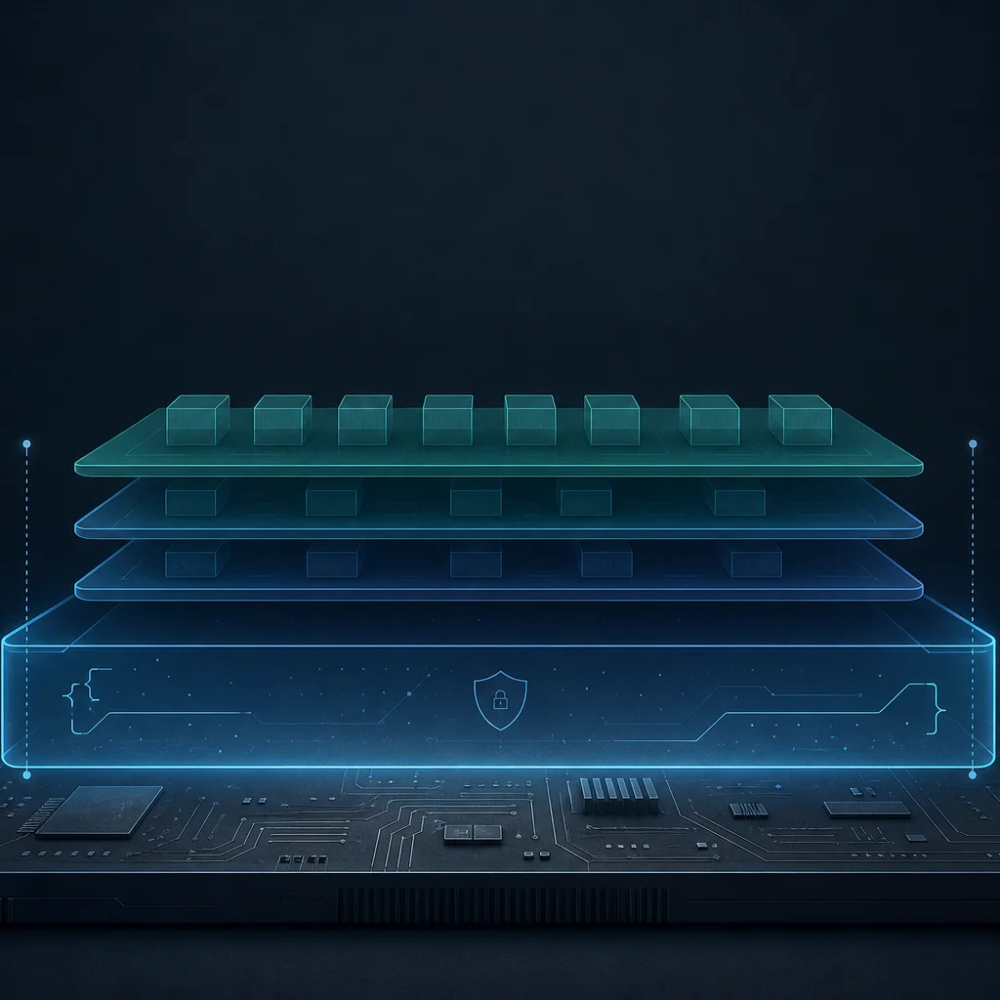
A workable ladder:
- Define the environment as something OCI-shaped (opencontainers) so the definition travels.
- Run it on macOS via a Linux VM—Lima is the common local answer—so Linux-centric agents and daemons have a believable home.
- On bare Linux, prefer containers first; step up to LXC when you want system-container semantics without paying for another kernel.
- When code or prompts are untrusted or the surface is multi-tenant, assume Firecracker-class microVMs (often indirectly, via a platform) instead of asking namespaces to do a hypervisor’s job.
None of this replaces secret discipline, diff review, or egress policy; it decides which ring those controls wrap.
Conclusion
Treat the AI coding devbox as a declared environment plus a deliberate kernel boundary. OCI gives you the portable image and runtime contract; Lima lands that contract in a desktop Linux VM; LXC offers Linux system containers when sharing the host kernel is acceptable; Firecracker represents the microVM tier when isolation needs approach service-provider seriousness. Pick the lightest step that matches trust and kernel requirements.